Stay connected with Global Journals by adding us to your contact list. This simple step helps ensure our notification emails reach you without interruption and improves overall deliverability.
Automated Process
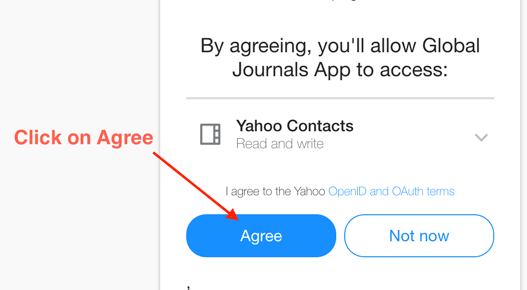
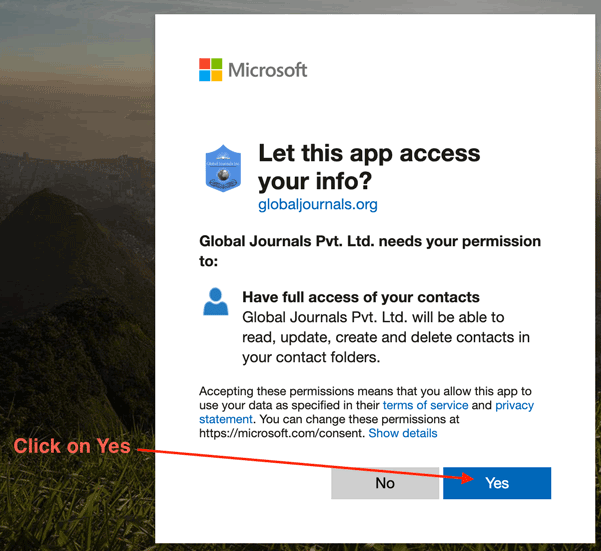
Select your email provider and log in below. In the next step, you’ll be asked to allow us to automatically add our key contacts to your address book.
3 Easy Steps
Follows all standard safety compliances
Respects privacy and trustable
Global Journals is verified by Google's Human Team
Global Journals does not see or download your contacts
Step 1 croll down, click on the blue “Login with Gmail” to open new tab and Login with your gmail account.
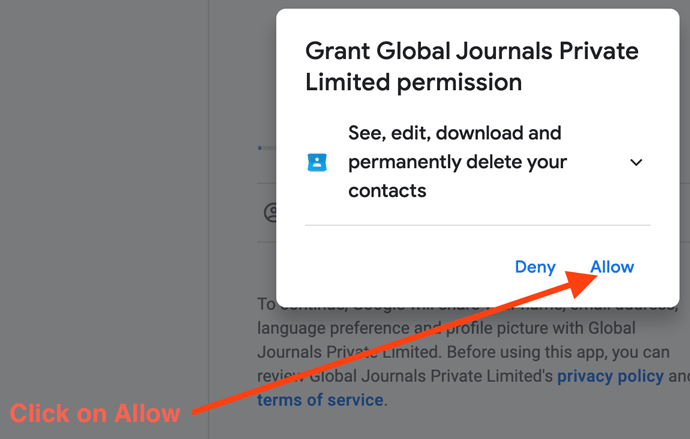
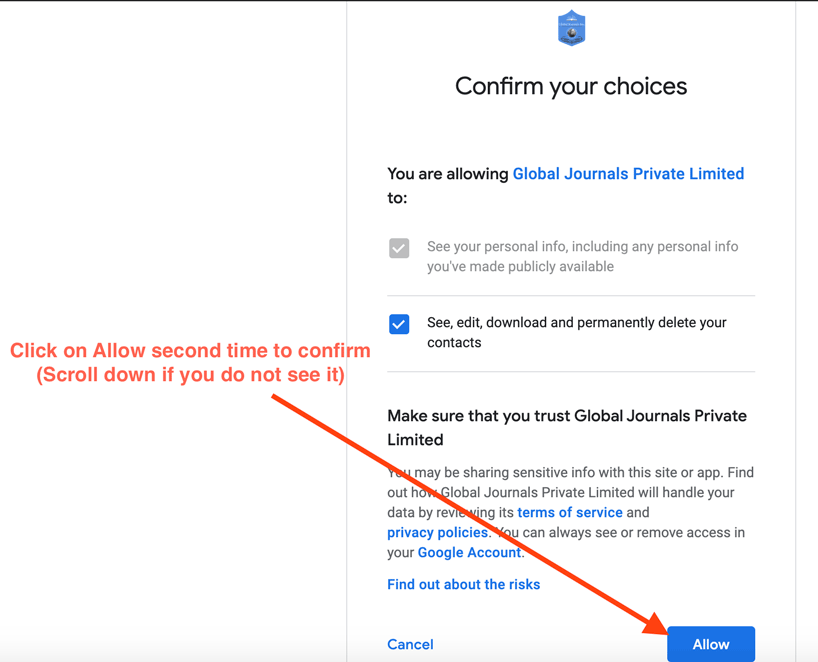
Step 2 Click on Allow, we need this permission just to add our contacts to the Gmail.
Or, at least save editorusa [AT] globaljournals [DOT] org, helpdesk [AT] globaljournals [DOT] org, billing [AT] globaljournals [DOT] org, events [AT] globaljournals [DOT] org, tracking [AT] globaljournals [DOT] org to your contacts list.
If you are still not receiving our emails, please check the spam/bulk/promotional folders/tabs also. We also request you to mark the email as “Not Spam” and move the email to your inbox.
Our website is actively being updated, and changes may occur frequently. Please clear your browser cache if needed. For feedback or error reporting, please email [email protected]